StarTech.com FAN4EXT12 12in 4-Pin Fan Power Extension Cable
StarTech.com FAN4EXT12 12in 4-Pin Fan Power Extension Cable
Low stock: 5 left
Save 16%
Couldn't load pickup availability
Free shipping across the continental US & free returns


Description
StarTech.com FAN4EXT12 12in 4-Pin Fan Power Extension Cable
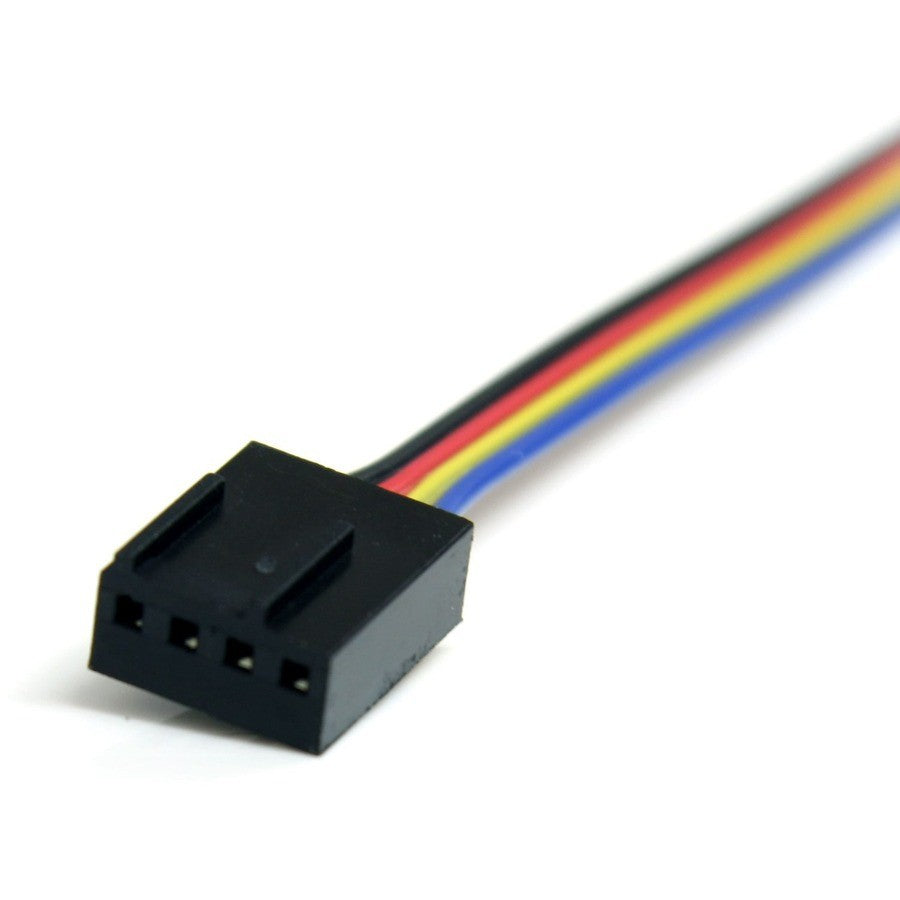
This is a 12-inch 4-Pin Fan Power Extension Cable from StarTech.com designed to extend the power connection between a computer power supply and a 4-pin fan. The FAN4EXT12 enables convenient fan placement inside the computer case without straining existing cables. MPN: FAN4EXT12; UPC: 065030843706. This 4-pin to 4-pin extension is ideal for CPU fans and case cooling setups, backed by StarTech.com's lifetime warranty.
Key Features of StarTech.com 12in 4 Pin Fan Power Extension Cable
- 1-Foot Extension Length – Provides up to 12 inches of additional reach for flexible fan positioning in tight PC builds.
- 4-Pin Molex Connectors – Male to female design maintains full PWM speed control compatibility for modern fans.
- Supports CPU and Case Fans – Ensures reliable power delivery without performance loss.
- Durable Construction – Built for internal PC use, preventing cable stretch and wear over time.
- Environmentally Compliant – Meets RoHS and WEEE standards for responsible manufacturing.
- Lifetime Warranty – StarTech.com guarantees quality and reliability.
Comprehensive Technical Specifications
| Specification | Details |
|---|---|
| Brand | StarTech.com |
| Manufacturer | StarTech.com |
| MPN | FAN4EXT12 |
| UPC | 065030843706 |
| Product Type | Power Extension Cord |
| First End Connector Type | Molex |
| First End Connector Detail | 1 x 4-pin Molex Male |
| Second End Connector Type | Molex |
| Second End Connector Detail | 1 x 4-pin Molex Female |
| Device Supported | CPU Fan |
| Cord Length | 1 ft / 12 in |
| Weight (Approximate) | 0.01 lb |
| Packaged Quantity | 1 |
| Country of Origin | China |
| Environmentally Friendly | Yes |
| Environmental Compliance | Restriction of Hazardous Substances (RoHS); Waste Electrical and Electronic Equipment Directive (WEEE) |
| Warranty | Lifetime |
| Length Description | Short |
Installation Guide for StarTech.com FAN4EXT12 Fan Extension Cable
Simple plug-and-play installation takes under 1 minute; PC builders recommend powering off the system first.
- Power down and unplug the computer.
- Disconnect the fan cable from the motherboard or PSU header.
- Connect the male 4-pin end to the original power source.
- Plug the female 4-pin end into the fan.
- Secure cables with ties if needed; route away from sharp edges. Pro tip: Test fan speed control post-install.
- Reassemble and power on to verify operation.
Why Choose StarTech.com 12in 4-Pin Fan Power Extension Cable
StarTech.com delivers reliable cable management solutions for optimized PC airflow, with proven compliance and lifetime support for long-term builds.
Extend your PC fan connections with StarTech.com FAN4EXT12—Order today!
Type: Power Extension Cord
Color: Black
Compatible Brand: StarTech.com
MPN: FAN4EXT12
Country of Origin: China
Cable Length: 1 ft
Manufacturer Warranty: Lifetime
Unit Quantity: 1
Brand: Does not apply
UPC: 065030843706